MyDigital ID Is Not a Digital MyKad: Malaysia Registration and Login Guide 2026
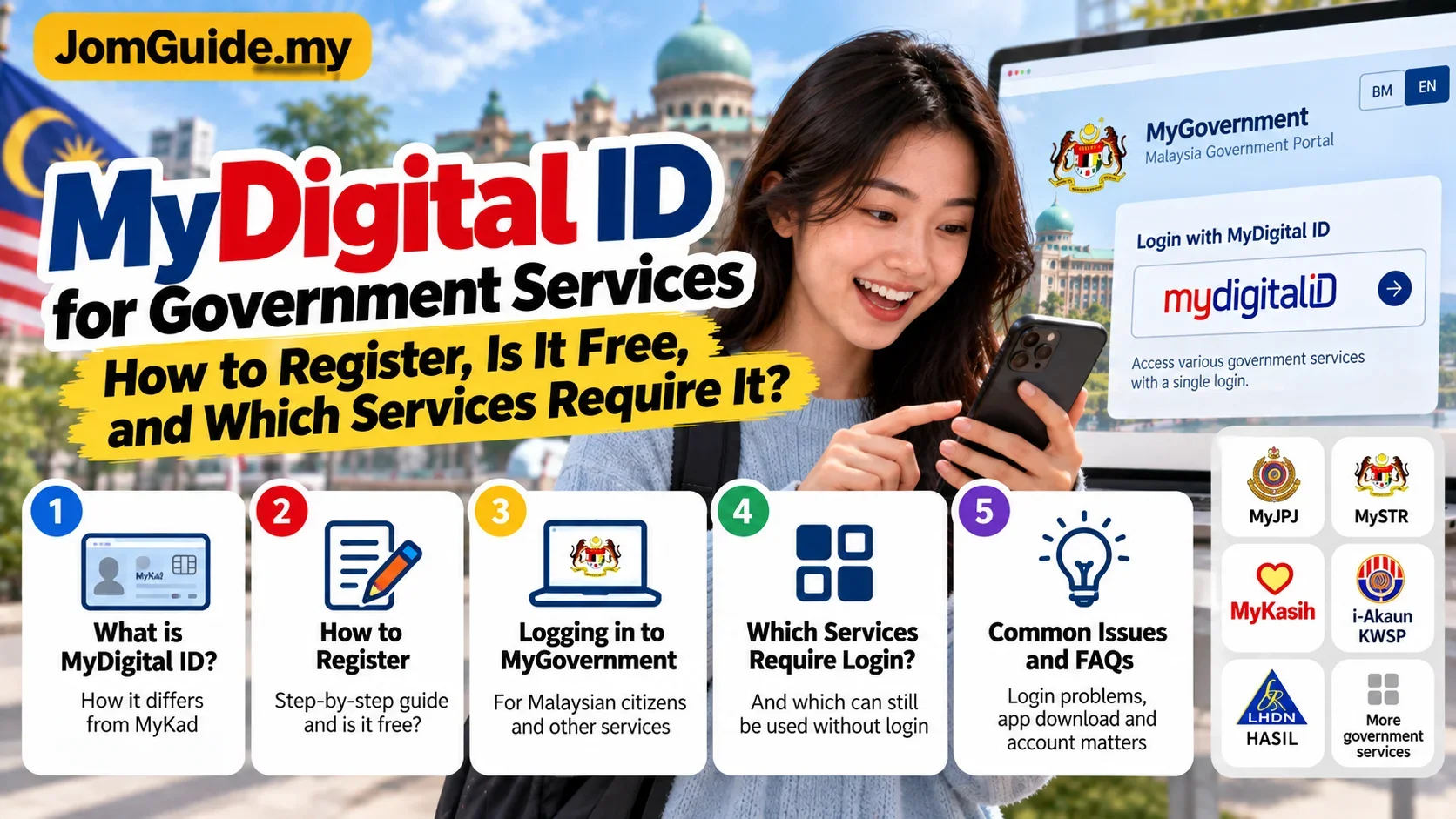
MyDigital ID is often confused with a digital version of MyKad, but it serves a different purpose: secure online identity verification. Here is how to register, log in to MyGovernment and understand when it is actually required.

Source: Source: MyDigital ID official portal; MyGovernment official portal, Oct 2026
The easiest mistake to make with MyDigital ID is assuming it is simply a digital version of MyKad.
It is not.
MyDigital ID does not replace your physical MyKad. It is designed for secure online identity verification and authentication.
A useful way to think about it is:
- MyKad: your physical identity document;
- MyDigital ID: a trusted way to prove your identity online.
That distinction makes the rest of the system much easier to understand.
What is MyDigital ID actually for?
MyDigital ID is intended to help users:
- verify their identity online;
- log in to participating apps and portals;
- reduce the need for separate usernames and passwords across integrated services;
- authenticate securely when using digital government and partner services.
The official MyDigital ID FAQ says it does not replace MyKad for transactions at physical counters.
Why does MyGovernment now ask for MyDigital ID?
The MyGovernment portal currently states that Malaysian citizens must use MyDigital ID to register or log in to the portal.
If you do not yet have one, you first need to install the MyDigital ID app and register.
But this does not mean you cannot access anything without MyDigital ID.
MyGovernment's FAQ says users can still browse information and access selected digital services that do not require login.
MyDigital ID becomes relevant when you need authenticated features such as a citizen account, personal dashboard or an integrated service that requires identity verification.
Is registration free?
Yes.
MyGovernment's official MyDigital ID service page lists:
- target audience: Malaysian citizens;
- service method: online;
- duration: immediate;
- charge: none.
A normal registration should not require a registration fee.
What do you need before registering?
For online registration, prepare:
- your MyKad;
- a smartphone;
- the official MyDigital ID app;
- an email address that can receive an OTP;
- a well-lit place for document capture and facial verification.
A physical kiosk registration option is also available for users who cannot complete online eKYC.
Online registration: step by step
1. Install the MyDigital ID app
Use the official app-store links or official portal.
Avoid downloading unofficial APK files sent through messaging apps or unknown websites.
2. Select Register Online
Enter the information requested, including:
- email;
- OTP;
- name;
- identification number.
Make sure the details match your MyKad.
3. Capture your MyKad
The app asks for clear images of the front and back.
Avoid glare, blur or cutting off the edges.
4. Complete facial verification
The app uses an eKYC facial scan to verify that the person registering matches the identity being claimed.
Good lighting and a steady camera help reduce failures.
5. Create your password
The official registration flow requires a password of at least eight characters.
Treat this as a sensitive credential. Do not share it.
6. Registration completed
Your digital identity is then available through the MyDigital ID app.
How do you log in to MyGovernment?
On a desktop browser, the usual process is:
- choose MyDigital ID login;
- open the MyDigital ID app;
- select Scan QR;
- scan the QR code shown on the portal;
- enter your MyDigital ID password;
- return to the portal after successful verification.
On a mobile browser, selecting the MyDigital ID login option can open the MyDigital ID app directly and return you to the original service after verification.
Why do some government services ask you to log in again?
This is a common point of confusion.
MyGovernment explains that some services have not yet been integrated into its Single Sign-On system.
So even after logging in to MyGovernment using MyDigital ID, another agency's service may still require a separate login.
That does not necessarily mean your MyDigital ID failed.
Does MyDigital ID replace MyKad?
No.
The official MyDigital ID FAQ is explicit that physical MyKad remains the identity document used at physical counters.
MyDigital ID is for online identity verification.
Calling it a “digital MyKad” may sound convenient, but it creates the wrong expectation.
Can you use government services without MyDigital ID?
Some, yes.
On MyGovernment:
- public information can still be browsed;
- selected digital services that do not require login remain accessible;
- logged-in citizen features and integrated authenticated services require MyDigital ID.
Other agencies may have their own requirements, so do not assume every government service follows one identical rule.
What if registration keeps failing?
Check:
- MyKad image quality;
- lighting during facial verification;
- whether your entered details match MyKad;
- whether the app is updated;
- internet connection.
If online verification still does not work, MyDigital ID also supports kiosk registration.
Official helpdesk:
- +603 8687 2772
- info@myid.my
What about privacy and security?
MyDigital ID says identity verification refers directly to government databases and that the platform does not maintain a personal-data database of users.
The app also supports local device biometrics, such as fingerprint or facial recognition. According to the official FAQ, that local biometric authentication remains on the user's device.
Users still need to protect themselves:
- never share OTPs;
- never share the MyDigital ID password;
- do not scan unfamiliar QR codes;
- access services through official portals.
The one thing to understand before registering
Understand the purpose first.
MyDigital ID is not your MyKad moved into an app. It is a secure online identity used to prove that you are really you when accessing digital services.
Once that distinction is clear, its role across MyGovernment and other digital services makes much more sense.
Useful? Forward it to someone who needs it.
Malaysian policy and hot topics, 2–3 items a week, each with a one-line “so what”.