Fake Touch ’n Go Calls Are Targeting eWallet Users: If They Ask You to Open the App, Stop and Verify
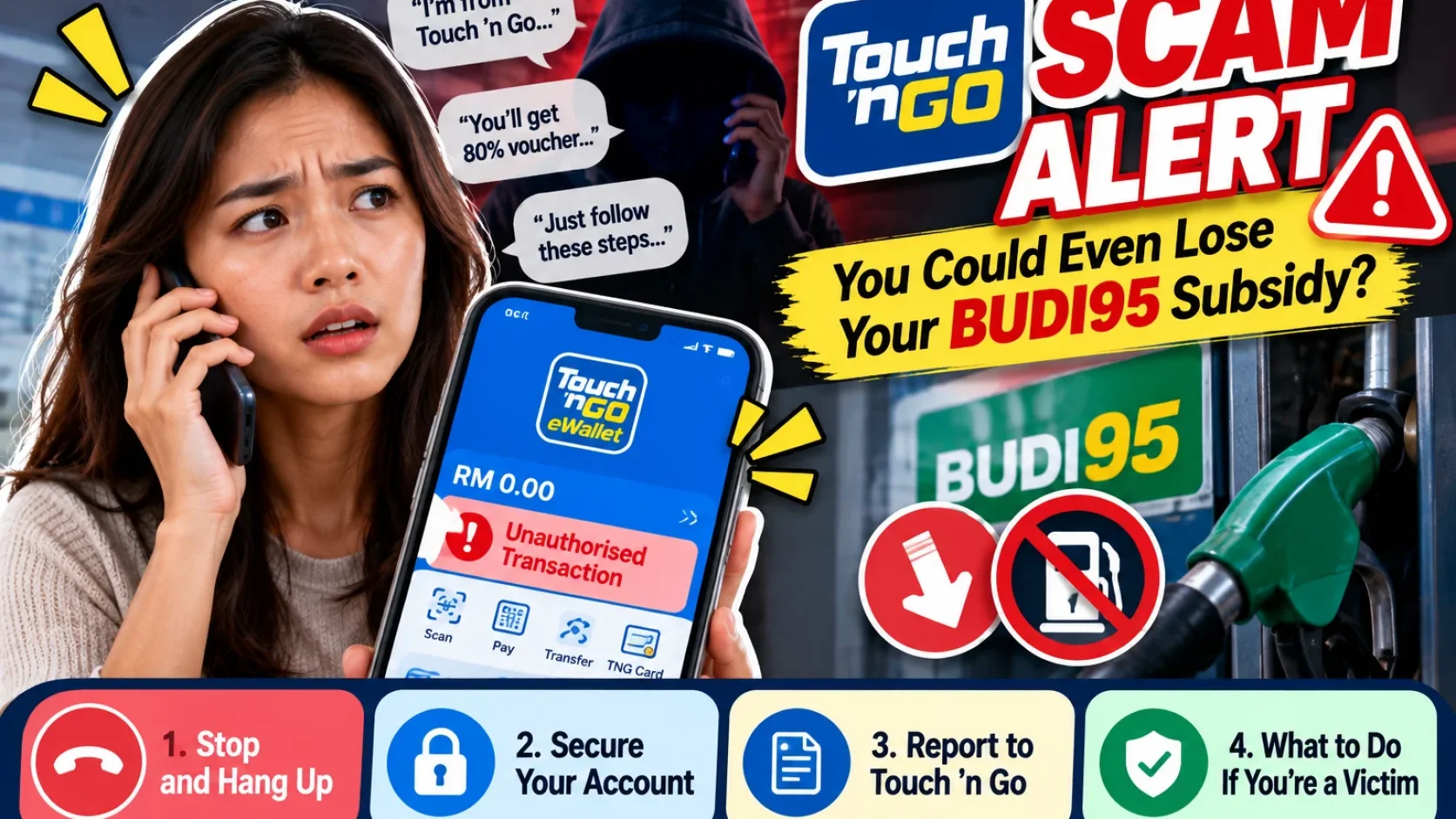
A Kedah woman reportedly lost eWallet value, reward points and BUDI95 after a caller posing as a Touch ’n Go representative talked her through steps inside the app. The key warning sign is not simply an unknown phone call — it is when the caller asks you to open your eWallet and follow instructions.

Source: Source: Bernama/Malay Mail, 5 Oct 2026; Touch ’n Go eWallet official fraud and unauthorised transaction policies
If someone calls claiming to be from Touch ’n Go, you may naturally listen for a moment.
The bigger warning sign comes when the caller says:
“Open your TNG eWallet now and follow my instructions.”
What happened in the latest case?
On 5 October, media reported that a 39-year-old woman in Kedah received a call from someone posing as a Touch ’n Go representative.
The caller allegedly offered a new card with benefits such as reward points, selected-store vouchers, discounts of up to 80% and overseas usage.
After she agreed, she was told to open her TNG eWallet and follow a series of instructions.
The scammer then gained control of the account.
The reported loss was about RM150 and included stored value, reward points and BUDI95 petrol subsidy.
The lesson is important because the scam did not begin with a direct demand to transfer money.
It began with an attractive “new card” offer.
The biggest red flag: being guided through your app over the phone
An unknown caller talking about a promotion is already something to verify.
But stop immediately if the person asks you to:
- open your eWallet;
- follow step-by-step instructions;
- change security settings;
- reveal an OTP, PIN or login detail;
- install something;
- scan an unfamiliar QR code;
- share your screen.
A safer approach is:
end the call, then check the promotion yourself through the official TNG eWallet app or Touch ’n Go website.
Do not remain on the phone while the caller controls the process.
What should you do if you already followed the instructions?
1. Stop immediately
Do not continue with the caller’s next step.
2. Check your TNG eWallet yourself
Review:
- transaction history;
- balance;
- reward points;
- BUDI95;
- account security and device information.
3. Report any suspicious activity to TNG
Touch ’n Go currently provides several official reporting routes, including:
- Security → Report Unauthorised Transaction inside the TNG eWallet app;
- the official careline webform;
- the TNG eWallet fraud careline.
The official TNG eWallet fraud number listed by Touch ’n Go is:
+603-5022 3888
Its fraud careline operates 24 hours daily.
4. Make a police report if you have been scammed
Keep useful evidence such as:
- call logs;
- the caller’s number;
- screenshots;
- transaction details;
- messages;
- any related documents.
“I pressed the button myself” is not the same as a truly unauthorised transaction
This distinction matters.
TNG’s official policy defines an unauthorised transaction as money leaving your account without your authorisation and not because of your own actions.
If a transaction is genuinely unauthorised, TNG can investigate and qualifying cases may receive a refund under its policy.
However, TNG also states that if you were tricked through phishing or a scam into taking the action yourself, you should still report it — but such scam cases are not automatically eligible for a refund under the unauthorised-transaction protection.
So this statement would be wrong:
“If you get scammed, TNG will definitely refund you.”
There is no such guarantee.
What if your BUDI95 balance looks wrong?
TNG’s BUDI95 Help Centre states that users who see a wrongly deducted BUDI95 balance can contact the:
BUDI MADANI Contact Centre: 1300 88 9595
If the issue also involves suspected account takeover or fraud, report it separately through the TNG eWallet fraud channel.
How do you verify someone claiming to be from TNG?
Do not use the caller’s own number or link to verify the caller.
Instead:
- end the call;
- open the official app yourself;
- visit the official Touch ’n Go website yourself;
- use the official careline;
- check whether the promotion or account issue is real.
That breaks the scammer’s control of the situation.
Bottom line
You can listen to what an unknown caller says.
But when the conversation becomes:
“Open TNG eWallet now and follow what I tell you to press,”
stop.
A genuine promotion can be checked independently in the official app.
If the offer only works while an unknown caller keeps you on the phone and guides your account actions, treat that as a major warning sign.
Useful? Forward it to someone who needs it.
Malaysian policy and hot topics, 2–3 items a week, each with a one-line “so what”.