myCuaca 3.0 Malaysia: Set Weather Alerts, Check Radar & 7-Day Forecasts
A practical guide to METMalaysia's myCuaca 3.0: location alerts, radar, weather maps, forecast tools and safer decisions before leaving home.

Source: Source: METMalaysia myCuaca (met.gov.my/info/mycuaca/); official myCuaca app listings. Verified 20 October 2026.
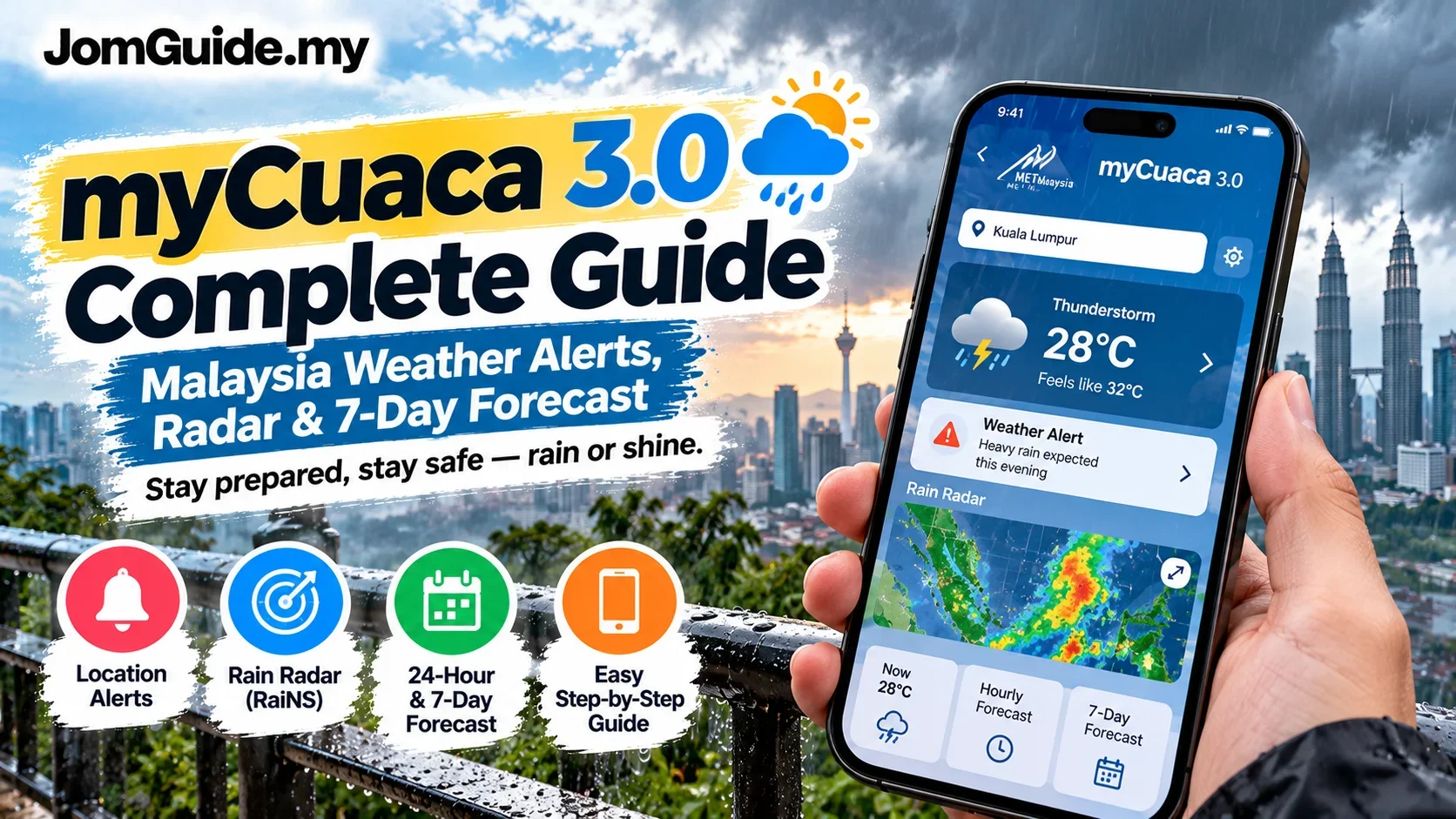
myCuaca 3.0 is the official weather app from Malaysia's Meteorological Department (METMalaysia). Launched on 13 October 2026, its practical appeal is location-based weather alerts, radar maps, a 24-hour forecast and a forecast extending up to seven days.
The useful habit is not to treat every notification as a promise. Use an alert as a cue to check the latest official details, and keep a backup plan when travelling.
What's new in myCuaca 3.0?
METMalaysia highlights the following features:
- Location-based forecasts: See conditions for your current area or check another destination.
- Weather alerts for your location: Get notifications relevant to where you are.
- 24-hour and seven-day outlooks: Useful for work, school runs and travel planning.
- Interactive weather maps: Explore radar, RaINS, satellite, wind, temperature, lightning and other available layers.
- Favourite locations: Keep regular destinations within easy reach.
The app makes weather information more accessible. It does not eliminate uncertainty, especially around fast-changing local thunderstorms.
Download myCuaca from an official source
- Open METMalaysia's app information page, or use the official Android listing or iOS listing.
- Check that the developer is Jabatan Meteorologi Malaysia.
- Install the app and review the location and notification permissions.
- Check whether it has identified the correct current area. Select another location manually if needed.
- Save frequently checked locations such as home, work or a holiday destination.
Menus can differ by device and app version. Avoid unofficial download files or suspicious weather-alert links.
Set up location alerts first
If you only configure one thing, make it your current-location alerts.
Check your phone's location settings. An outdated or inaccurate location can make nearby forecasts less relevant. Then check your phone's notification controls and confirm that myCuaca is allowed to send alerts.
Next, open the app and verify its selected area. Save places you frequently visit. When a warning arrives, read which places it covers, the type of warning and its issue or validity time rather than relying on the notification headline.
Two important distinctions: no notification does not guarantee safe conditions, and a warning covering a broad district does not prove every road has identical weather at that moment.
Radar, RaINS and forecasts: which should you use?
| Your question | Best place to start |
|---|---|
| Where are nearby rain areas moving? | Radar and relevant map layers |
| What might happen during the school run? | Location forecast and current alerts |
| What weather could affect a weekend trip? | Seven-day outlook, rechecked closer to departure |
| What does a severe-weather notification mean? | Official warning details and issue time |
Radar provides observational context; it is not a guarantee of the exact minute rain will begin on your street. Use the legend and time markers, especially when switching layers.
Three everyday Malaysian scenarios
Driving home after work
A thunderstorm warning may justify leaving later or checking road conditions before taking your usual route. If visibility is poor or roads are flooded, prioritise current conditions rather than yesterday's forecast.
Picking up children
Check again shortly before pickup, not only in the morning. Have a flexible pickup arrangement if a heavy downpour disrupts the plan.
Driving between states
Travelling from Johor to Kuala Lumpur? Look at your route as well as the destination. A dry forecast at the final stop tells you little about possible thunderstorms along the highway. Build a little flexibility into your schedule.
Frequently asked questions
Is myCuaca free?
METMalaysia says its official app is free to download. Standard mobile data charges may still apply.
Can I check a different town without GPS?
METMalaysia says users can view forecasts for other locations. Which push alerts can be configured without active location access depends on the app settings and version.
Why is the radar blank?
Check your connection, software version, selected map layer and timeline. Missing map data must not be interpreted as an all-clear.
Does it replace a flood-monitoring service?
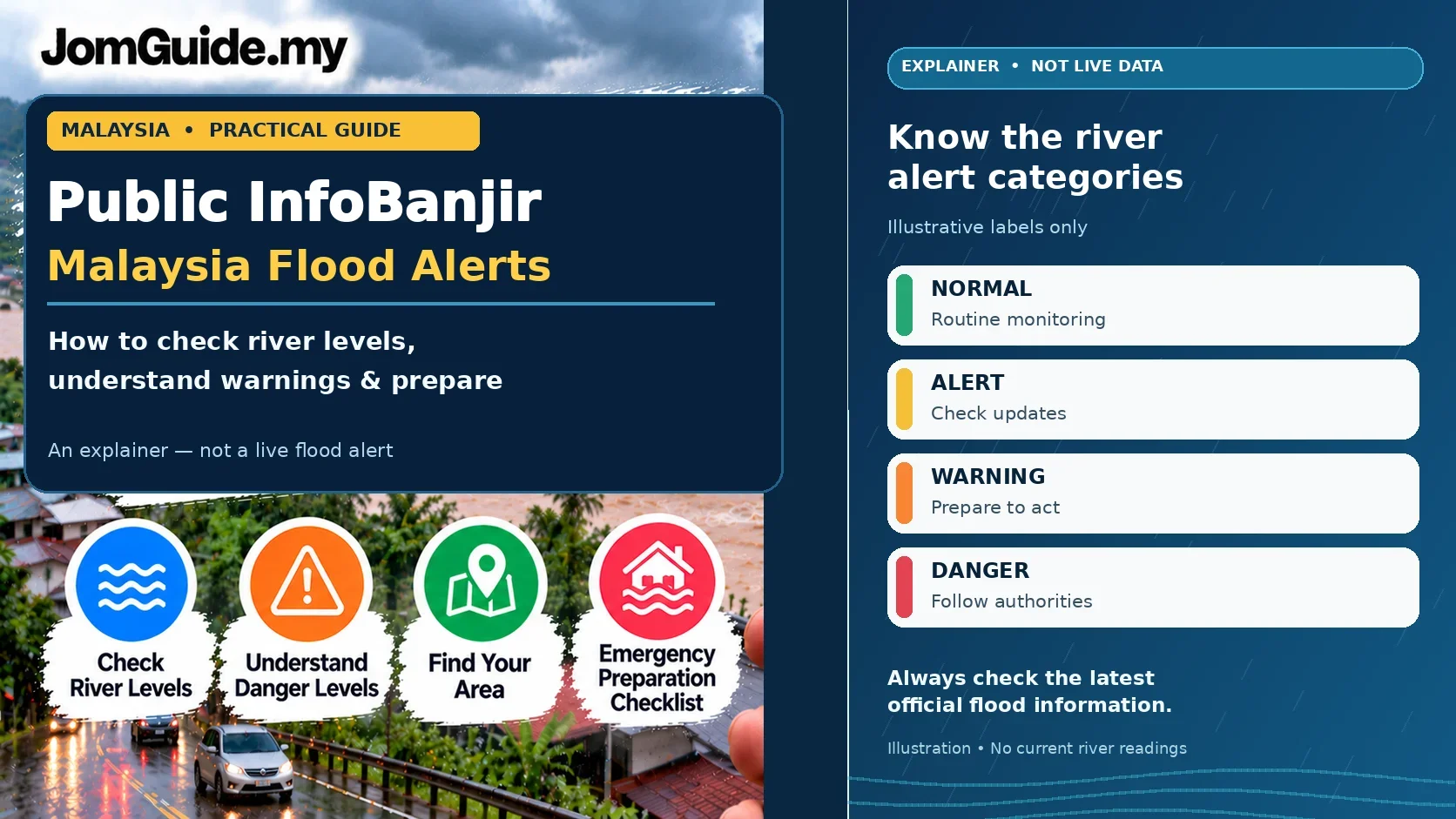
No. For river water levels and flood monitoring, check the Department of Irrigation and Drainage's Public InfoBanjir alongside weather warnings and local authority advice.
JomGuide's 60-second pre-departure check
- Confirm your location and current forecast.
- Read the area and time of any official weather warning.
- For road trips, check places along the journey.
- Plan an indoor alternative or allow for delays.
- Verify forwarded warning screenshots against an official source.
The aim is better decisions, not perfect predictions. Check again when plans or conditions change.
Verified as of 20 October 2026. Sources: METMalaysia myCuaca and official Android app listing.
Useful? Forward it to someone who needs it.
Malaysian policy and hot topics, 2–3 items a week, each with a one-line “so what”.